
HOW TO SPY ON ANYONE'S SMARTPHONE ACTIVITY

Some of the Apps for Tracking and Spying on Android Devices
There are a number of apps available for tracking/spying on both iOS and Android platforms. Probably the best, a is FlexiSPY. It is available for either iOS, Android, BlackBerry, or Symbian. Some of its features are listed below from their website.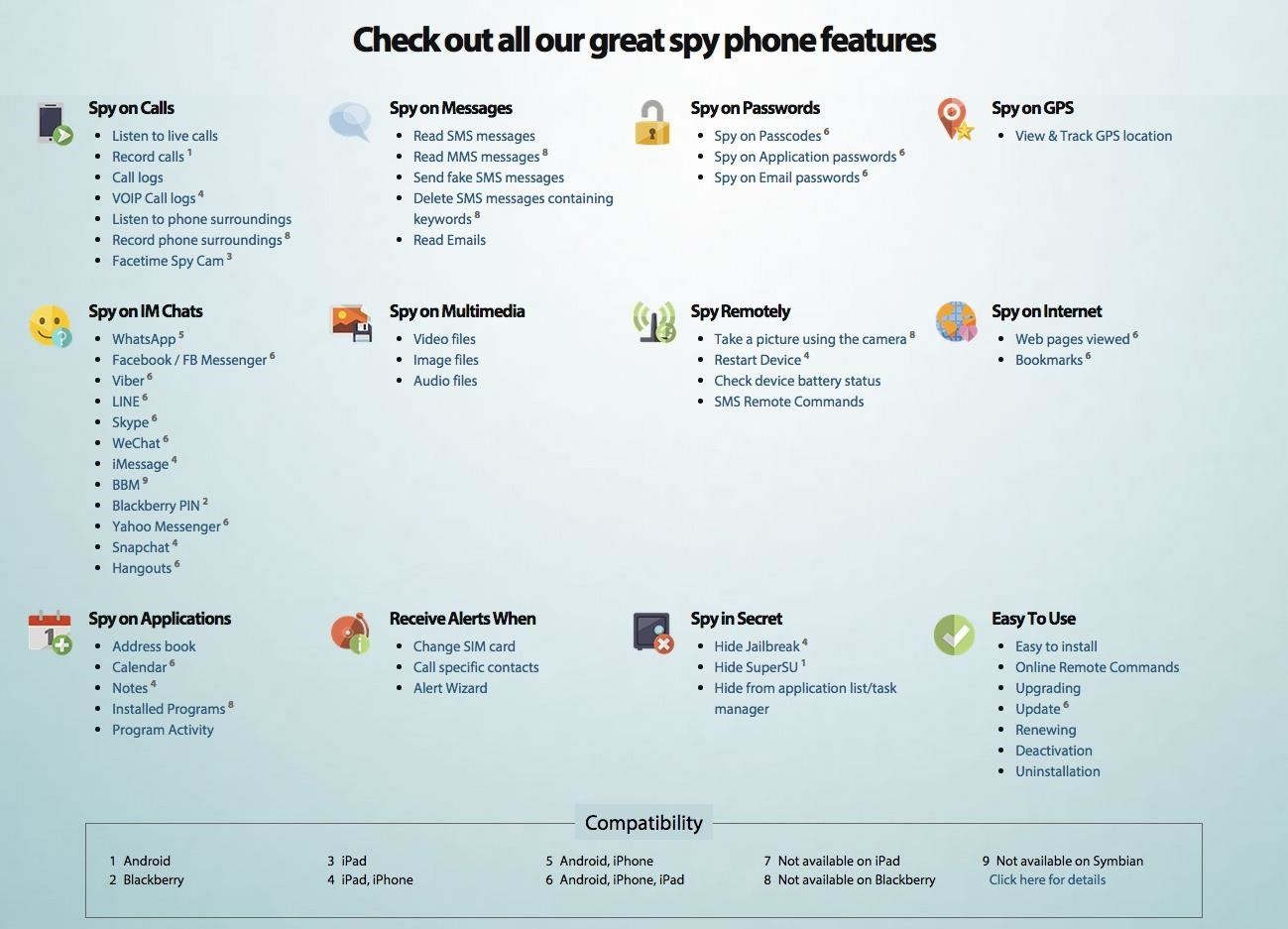
- mSpy
- PhoneSheriff
- iKeyMonitor
- TheTruthSpy
- And many, many others
These apps primarily track the location of the phone and are not capable of doing so many of the things that the paid apps do, such as reading SMS and email messages, listening in on conversations, spying on WhatsApp and other chat messengers, controlling the phone, etc.
Using a Smartphone Spying App
Before we go further, I want you to keep a few things in mind.- You MUST have physical access to the target phone/mobile device (the device you want to track). You have to be able to download the mobile spy software onto the device you want to track, and you don't need to download anything on your phone or computer. I found that it takes just about 2-3 minutes to install and activate.
- You must have internet access. These spy software apps transfer the data inside the phone/tablet to a central server where you can then access it. You must have Internet access from another device to access the phone's information.
- It probably goes without saying, but make sure the spy software is compatible with the phone's operating system.
- Be aware that it is illegal in most jurisdictions to install tracking software on a device that is not your own.
TheTruthSpy
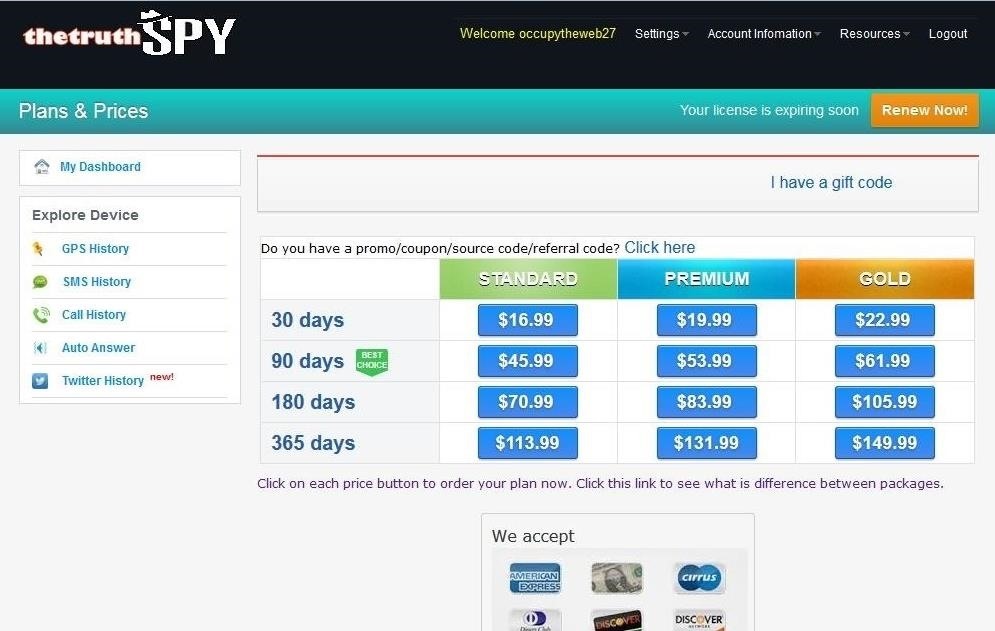
Let's try out one of these apps for Android, TheTruthSpy. It has a 48-hour free trial, so we can use it for a couple days before deciding to buy it. Let's download it, install it, and give it a try.Step 1Check Out Its Features
This software seems to have all the features we could ever want to spy on someone's phone like Tyrell did in Mr. Robot.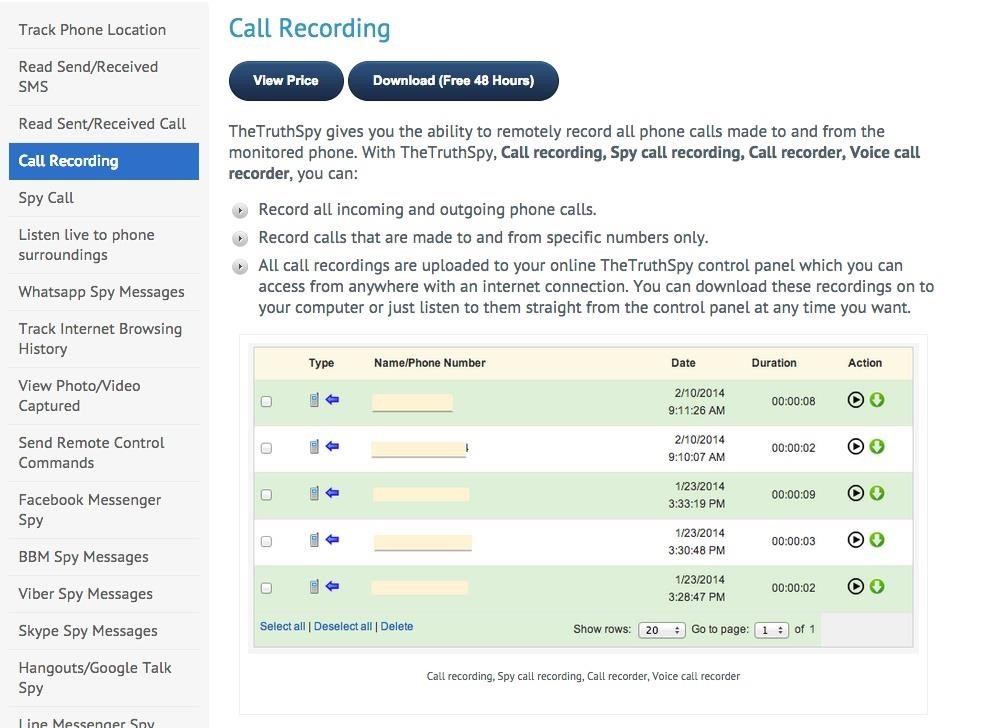
- GPS tracking
- Read email
- Record calls
- Read WhatsApp and other messages
- Track internet browsing
- View photos
- Send commands to the phone
- And a few others
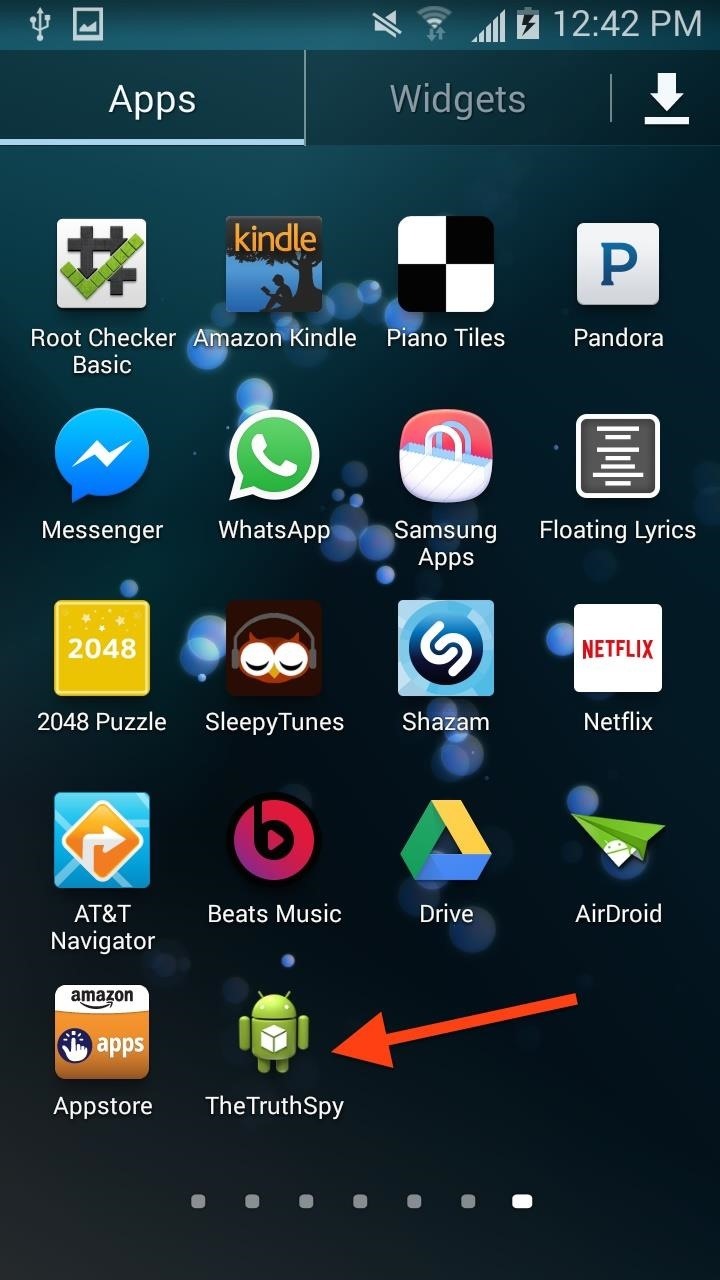
Step 2Install TheTruthSpy
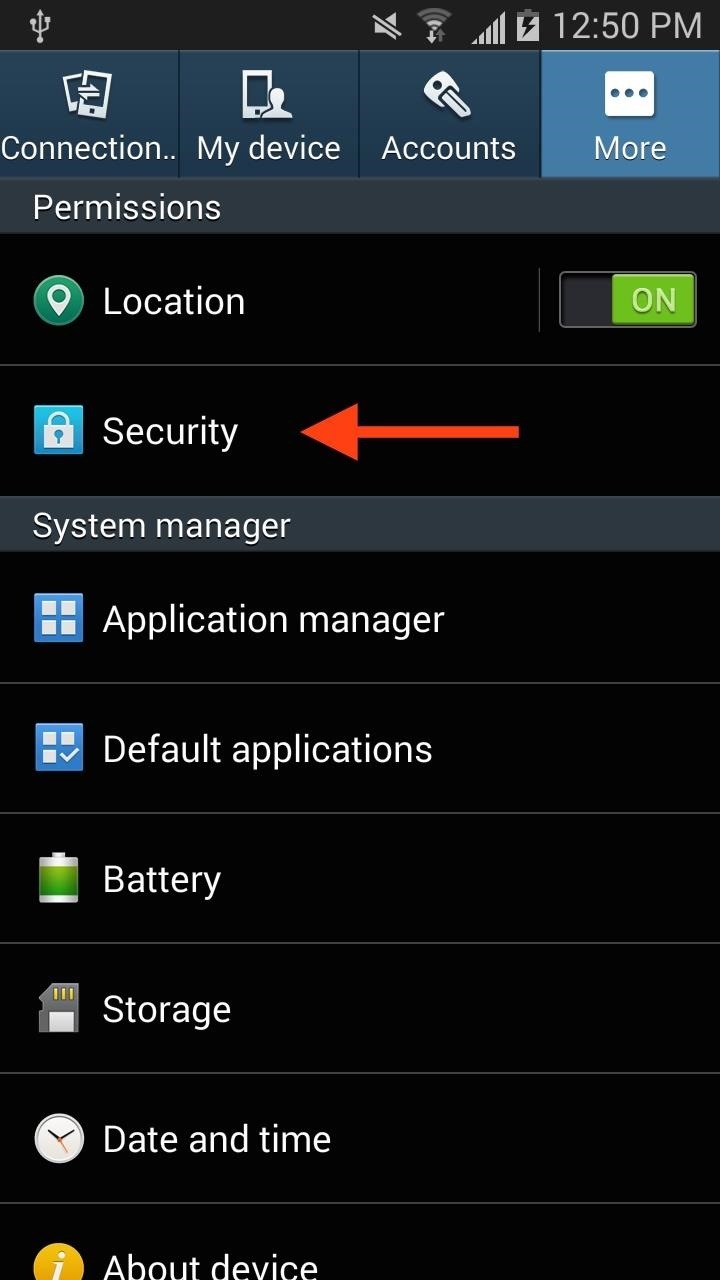
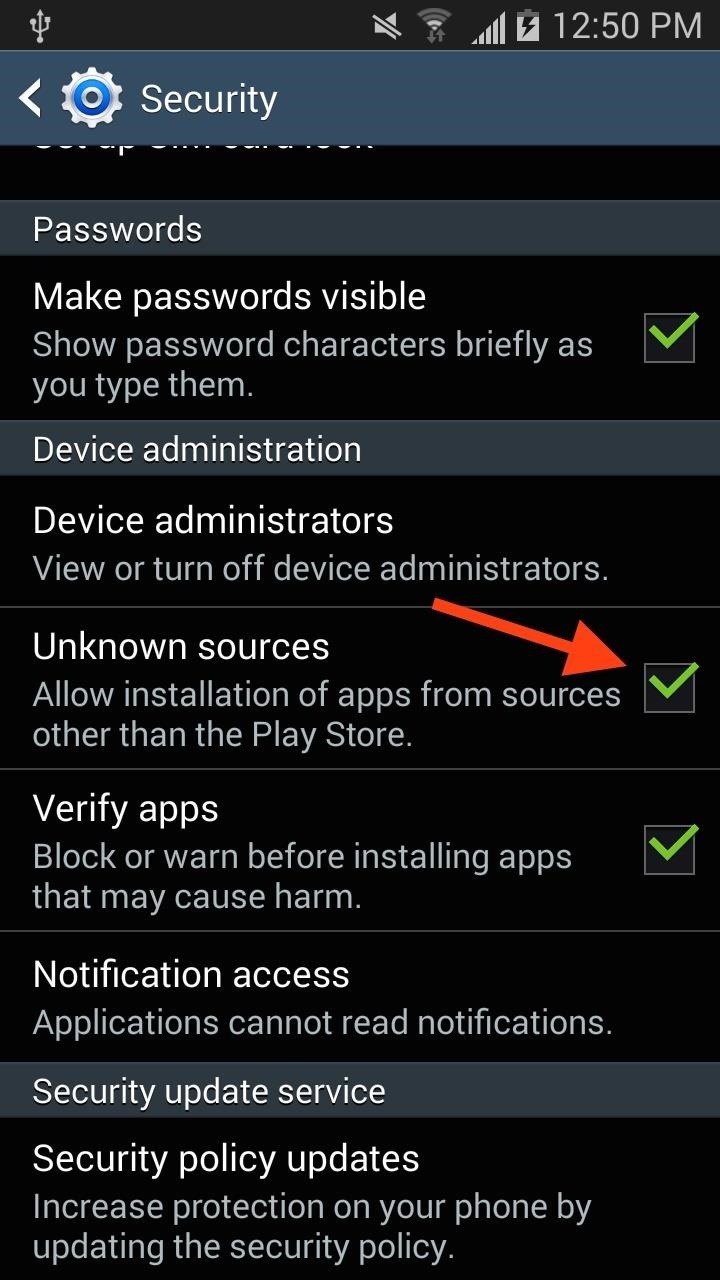
Before we can install any spy software on a mobile device, we need to change the security settings. By default, Android and iOS are designed to only allow the installation of apps from their official store/repositories. We need to change that.On Android, go to your "Security" settings (in the default Settings app), then allow app installations from "Unknown sources."
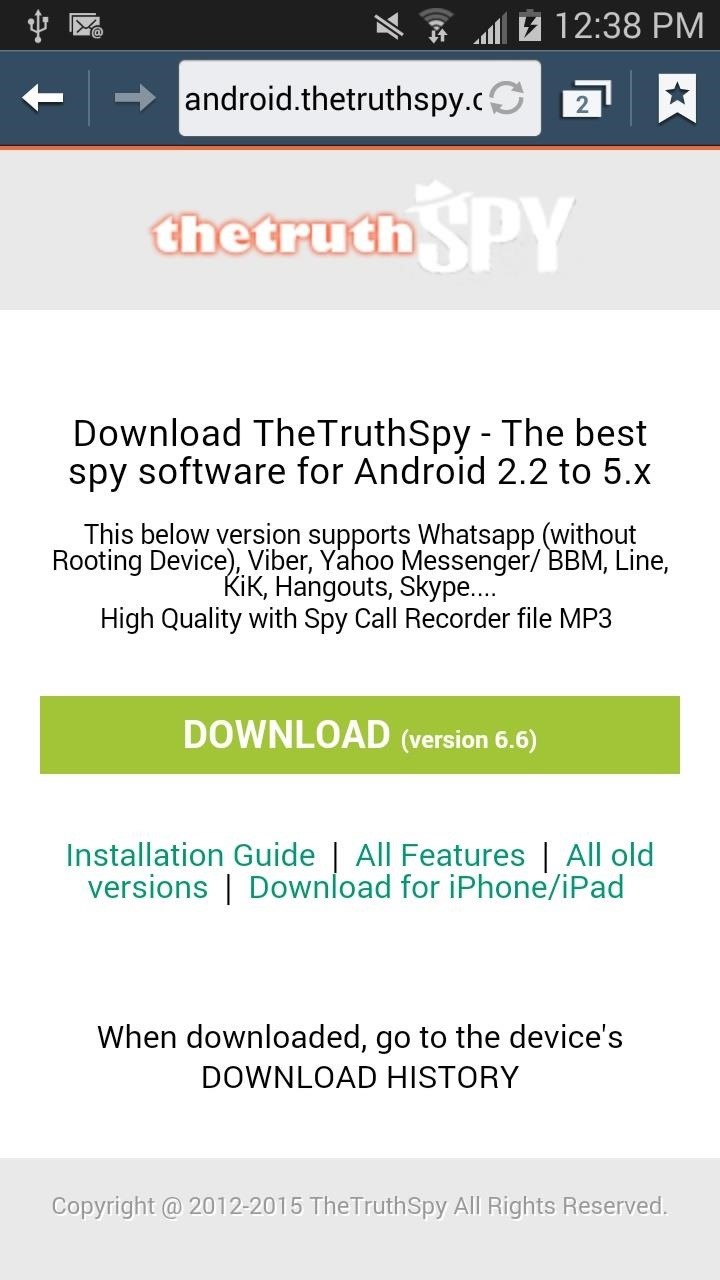
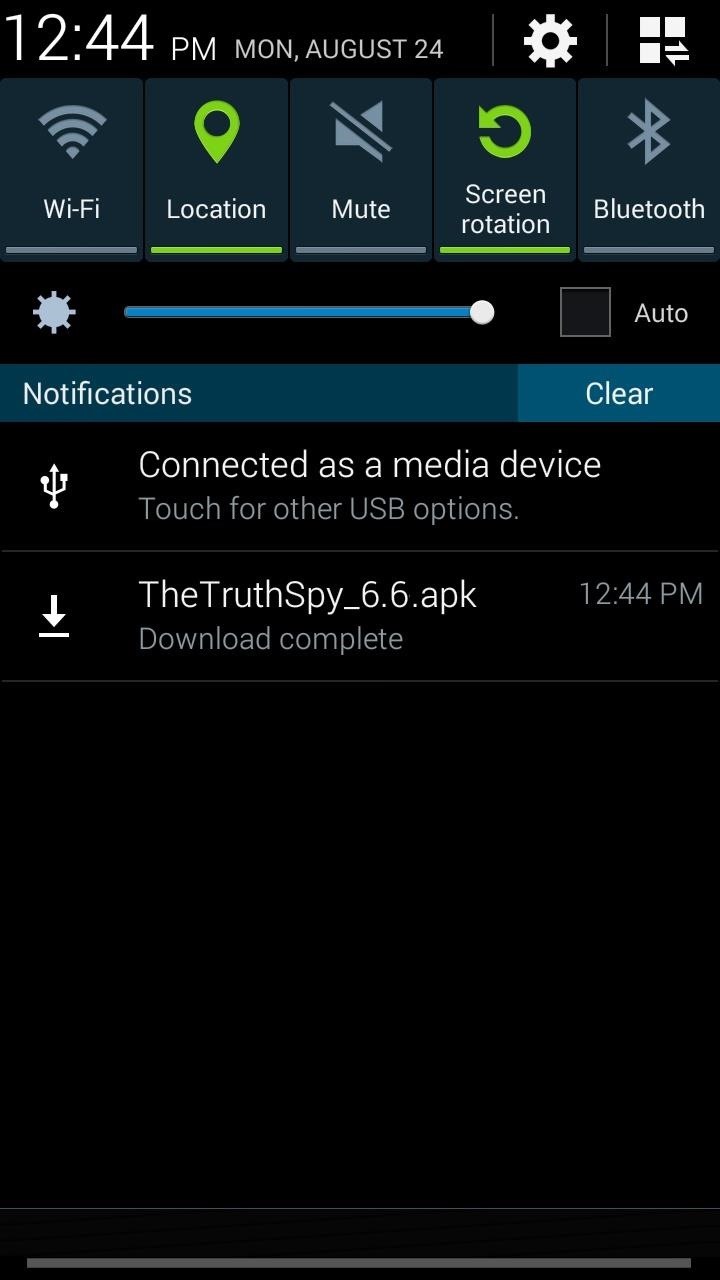
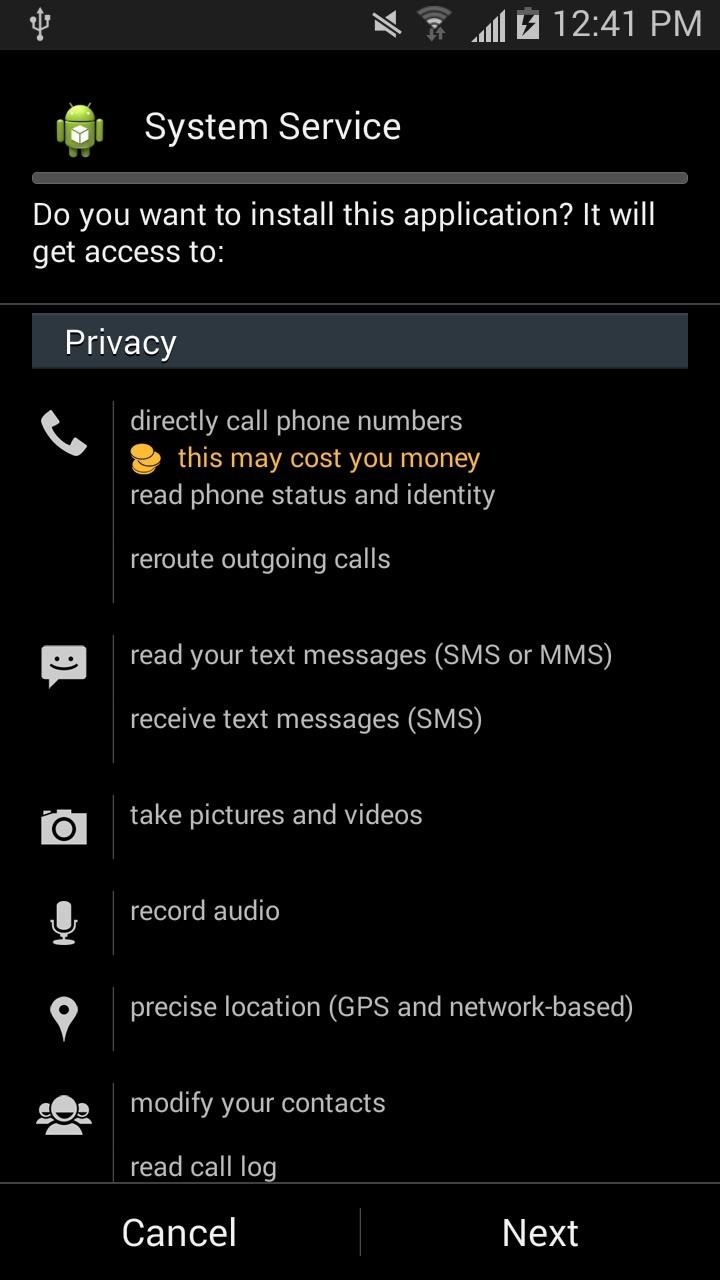

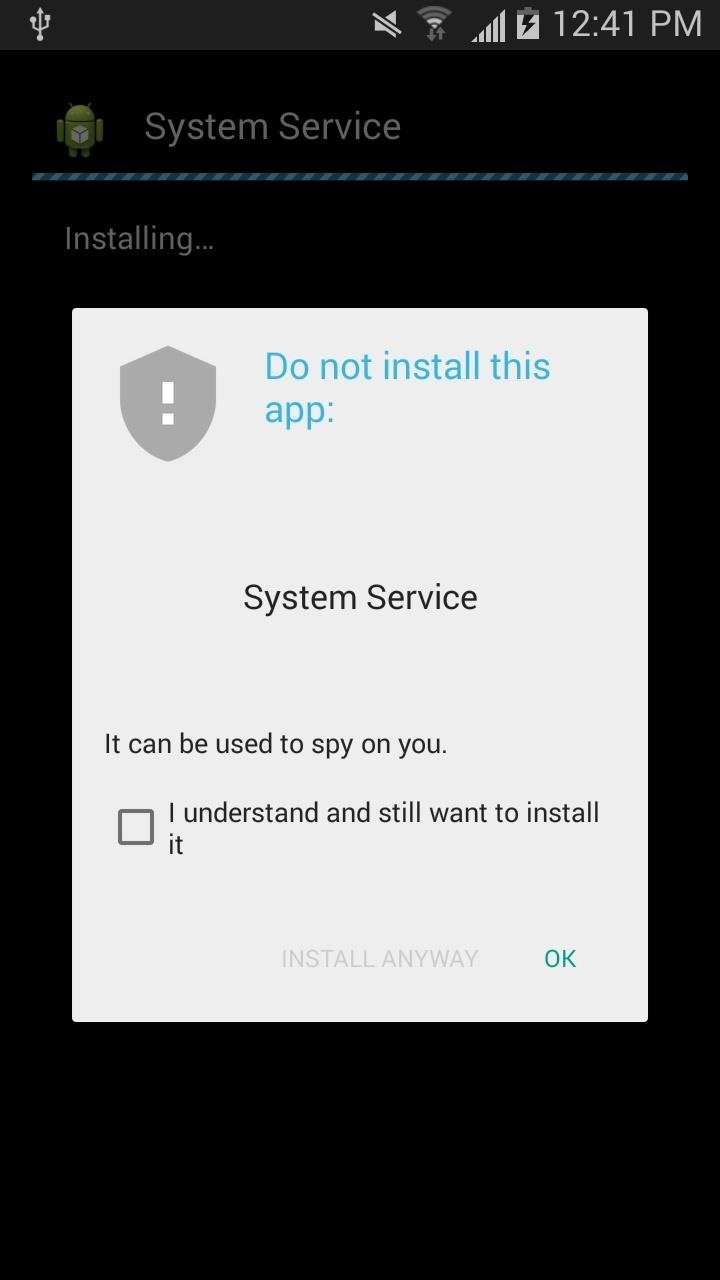
Finally, when it is installed, open it up, because you will need to link it to your account or open an account here with your email address.
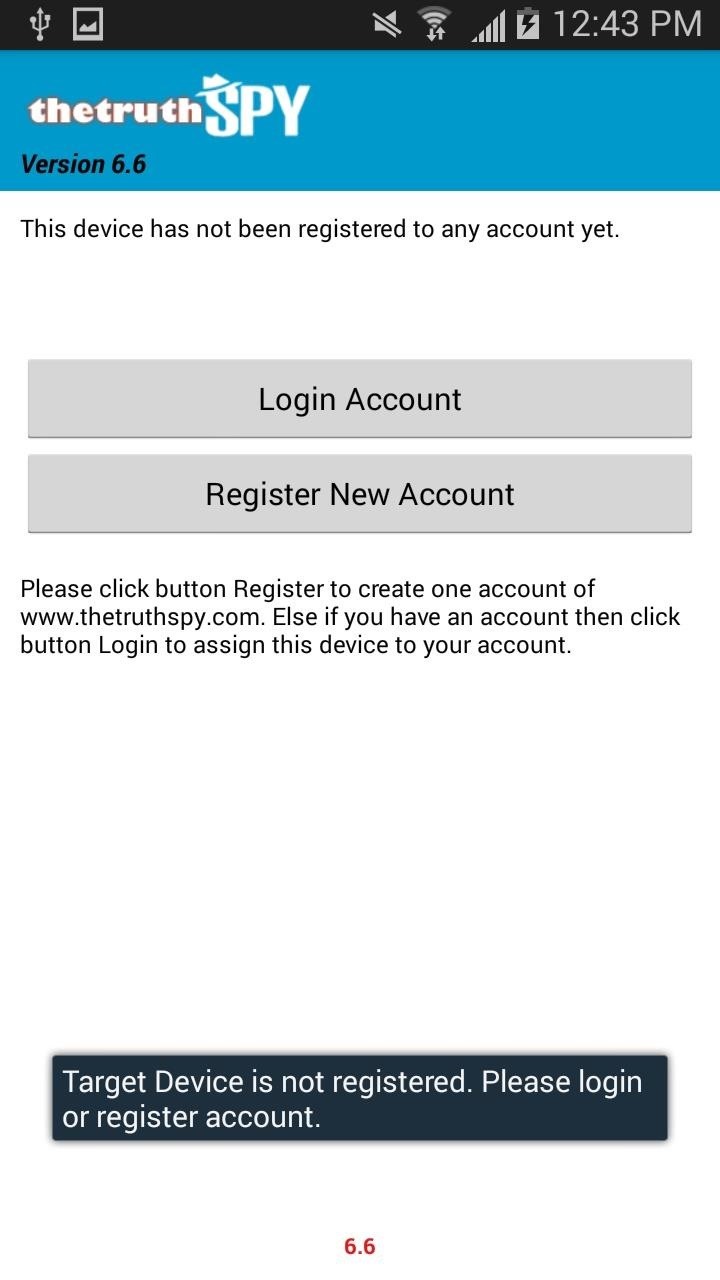
Step 3Log in to Control Panel
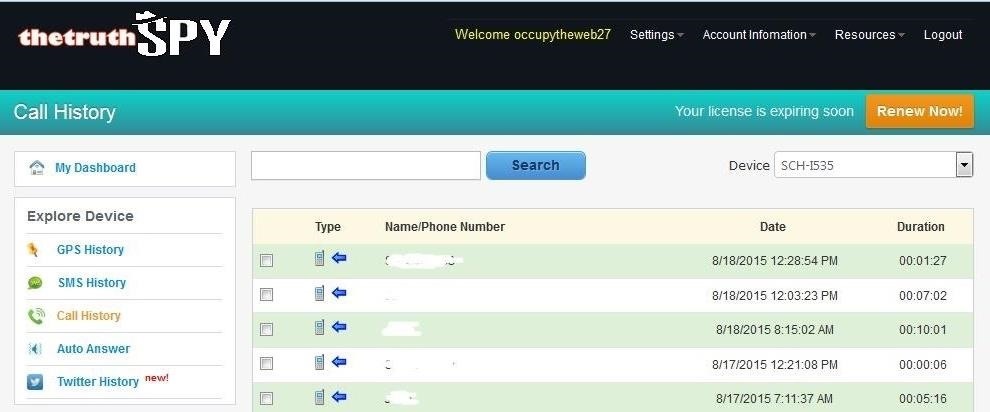
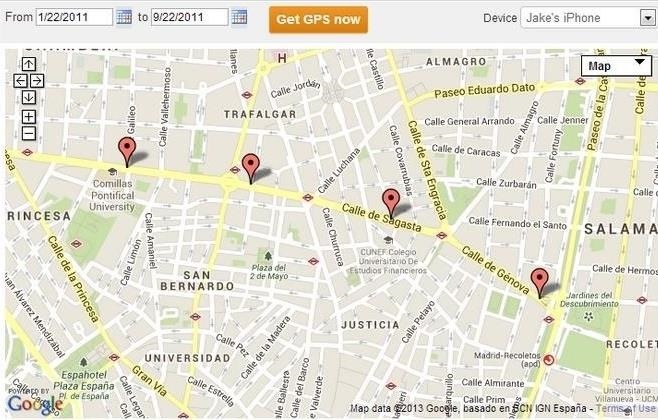
Now that we have TheTruthSpy installed, we can access the phone information from the cloud. The spy software we have installed on the phone relays all the information on the phone to a server. We can then access that server via an account at my.thetruthspy.com as seen below.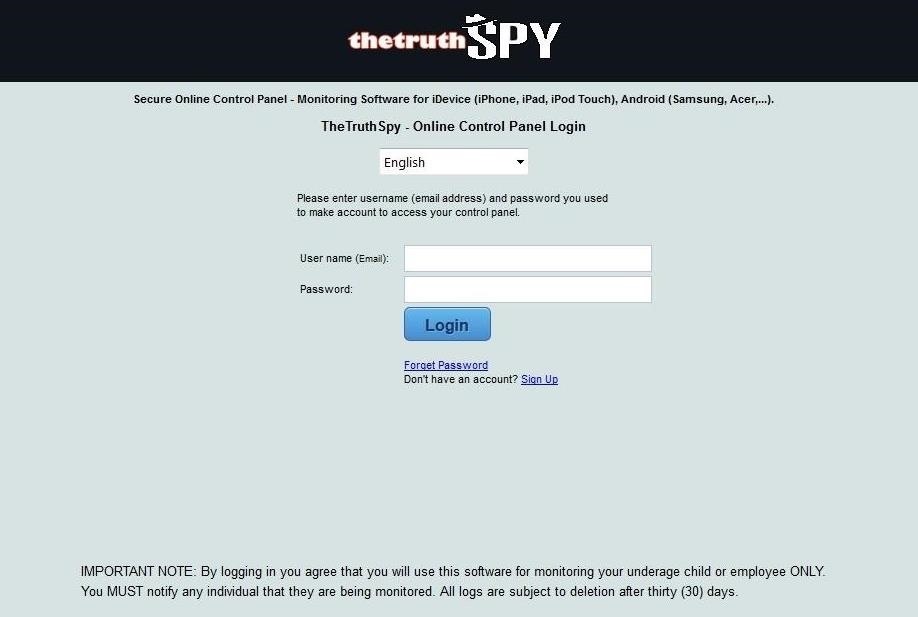
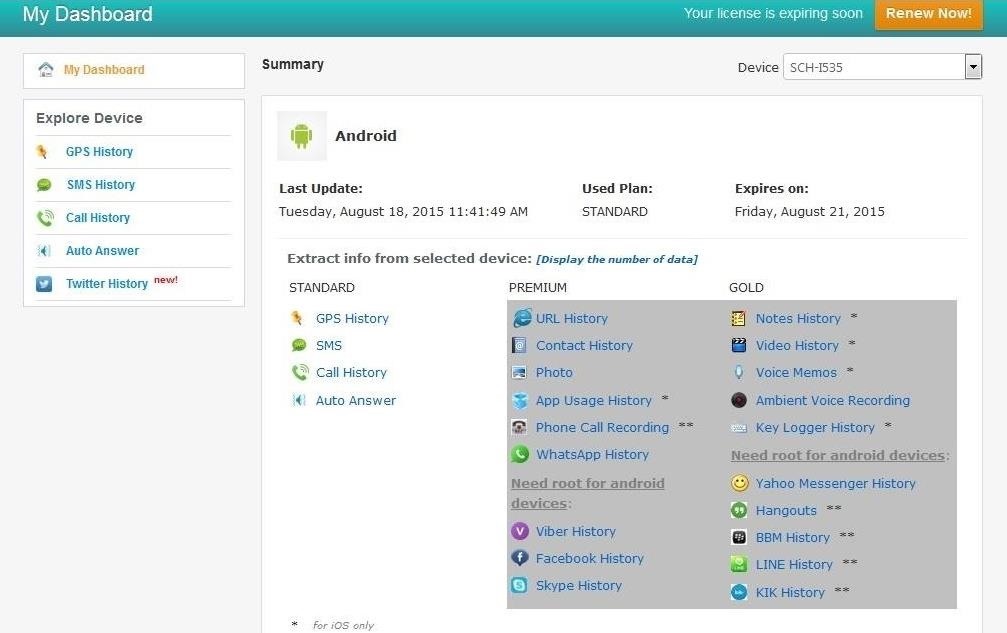

Auto Answer
One of the new features in TheTruthSpy is the Auto Answer feature. This feature enables us to call the phone and it will auto answer. In this way, we can listen in to any conversations taking place within earshot of the phone's microphone.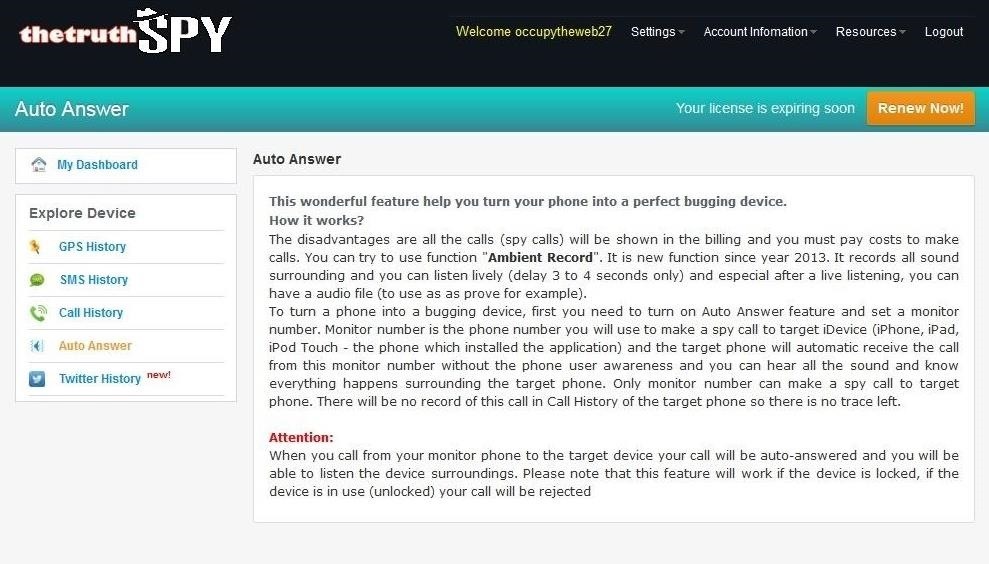

No comments:
Post a Comment